
Frequently Asked Questions
Back to Main PropertyPal Website
Find the answers to all things PropertyPal here
- Home
- Agent FAQ
- Agent Login Issues
- How do I login to the PropertyPal CMS?
How do I login to the PropertyPal CMS?
Last Updated 27 May 2026
Less than a minute to read
To login to the PropertyPal CRM please follow the steps below:
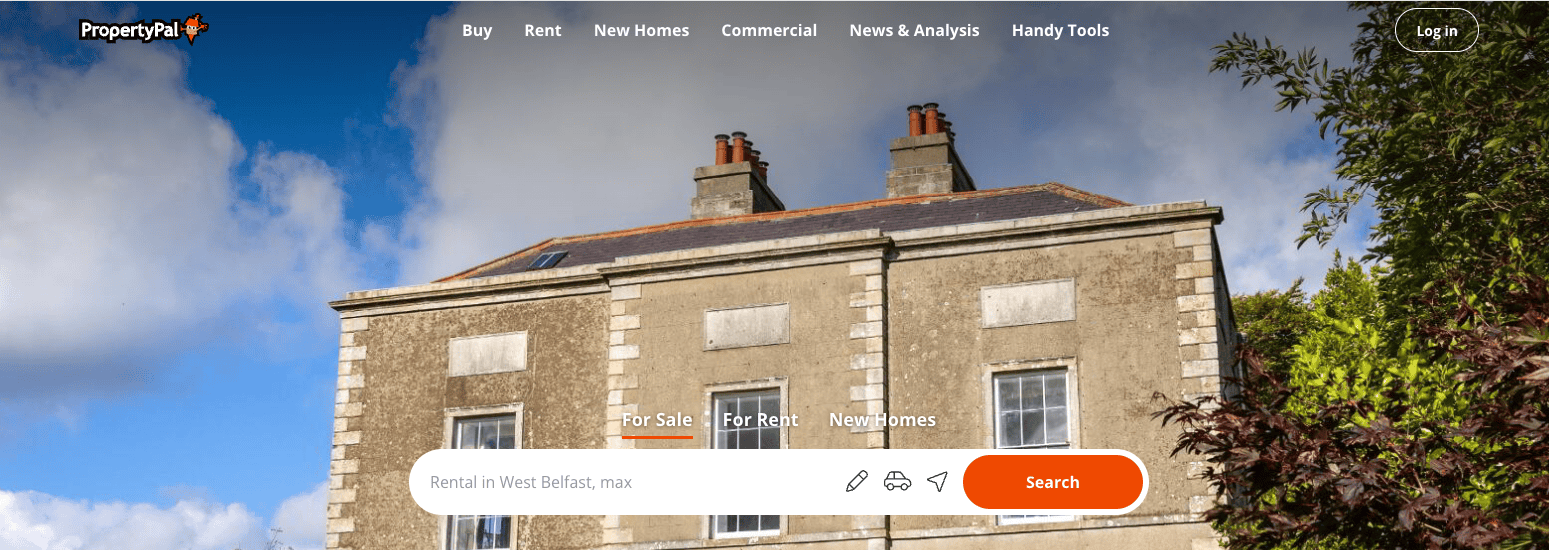
1. Go to PropertyPal.com and click Login in the top right hand corner of the screen.
 2. You will be taken to a Login Page where you will see Estate Agents Login towards the bottom of this form.
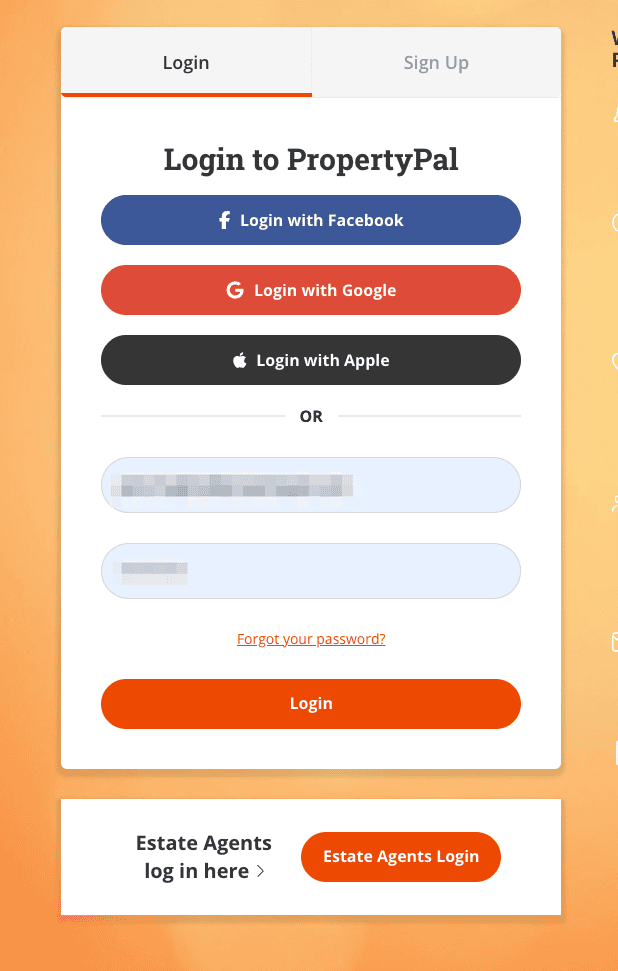
Click on the Estate Agents Login and login using your details.
back to top